
Overview
VideoGuru Product Overview
Learn how VideoGuru helps real estate teams create stunning property photos and videos in minutes.
What VideoGuru does
VideoGuru helps real estate agents, photographers, and marketing teams create listing-ready videos and photos without opening a traditional video editor.
The product is organized around three common jobs: create a video from photos or clips, one-click experience to improve listing photos, and AI-powered editing.
Turn listing photos into a property video with viral effects, music, and branding.
Upload
Select & order
Choose format
Export
Edit individual photos with staging, multi-angle staging, twilight, lawn, fireplace, and cleanup tools.
Examples
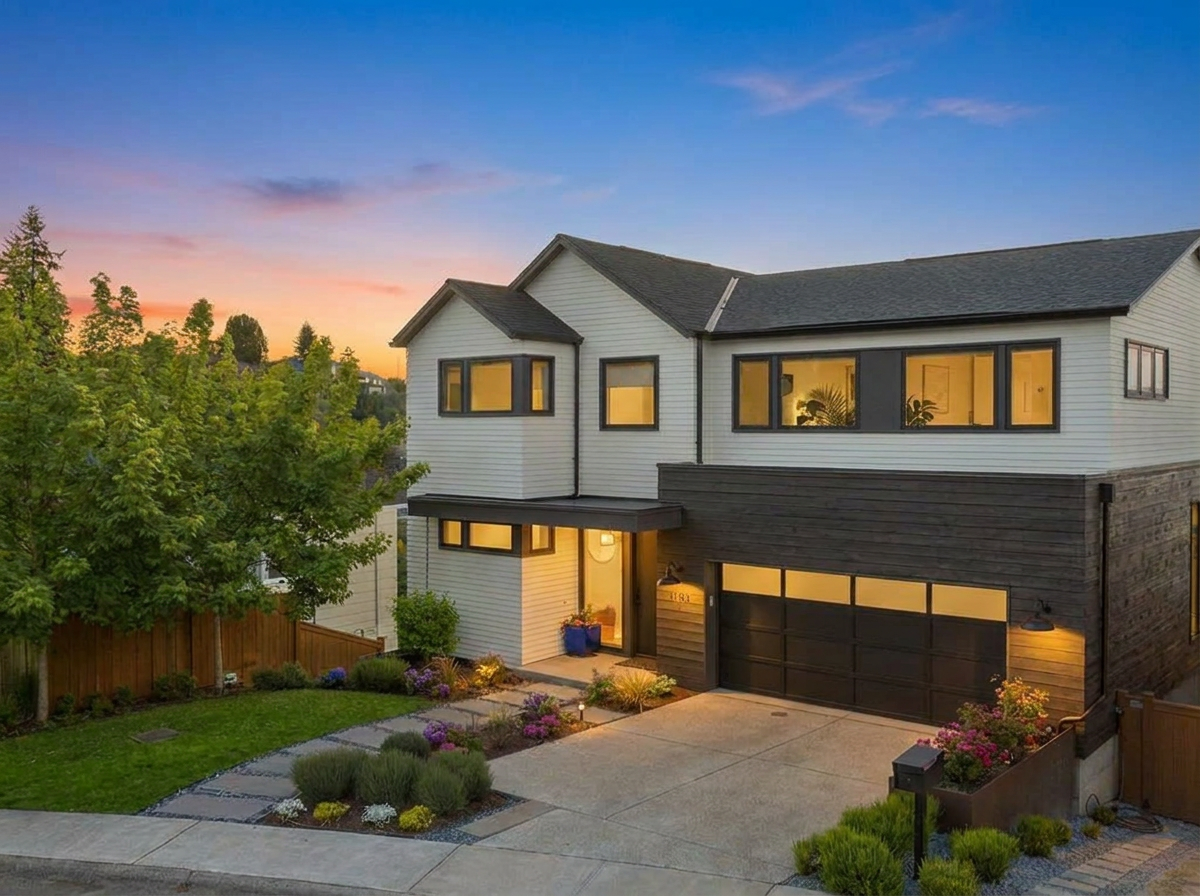
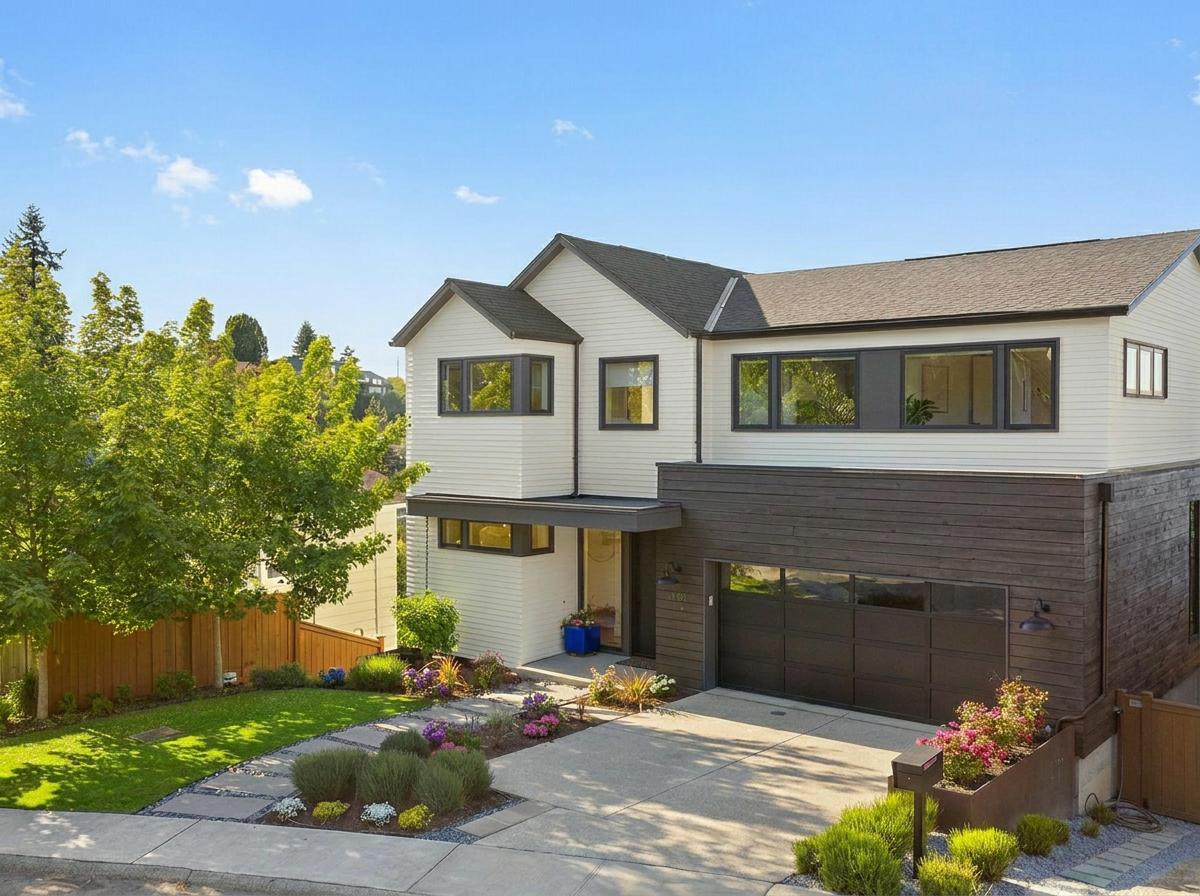
Virtual twilight
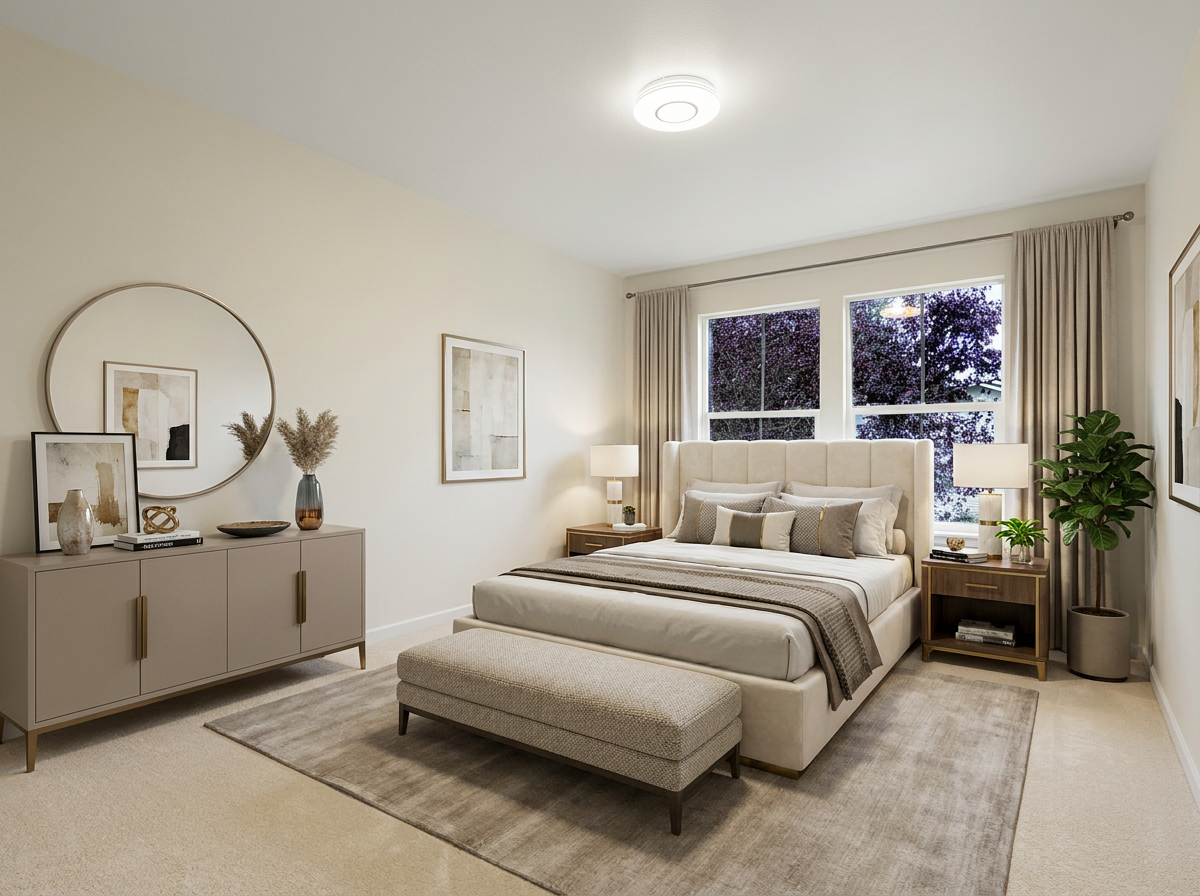
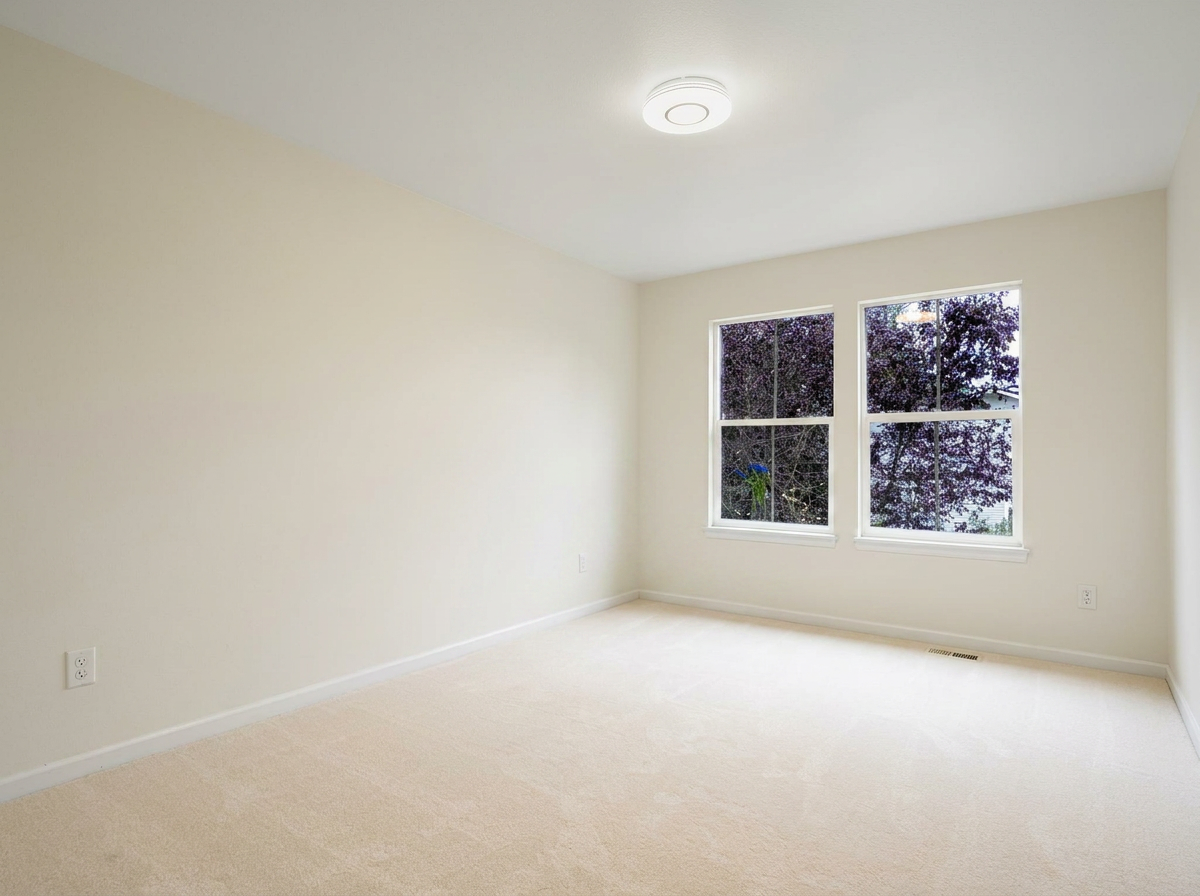
Virtual staging
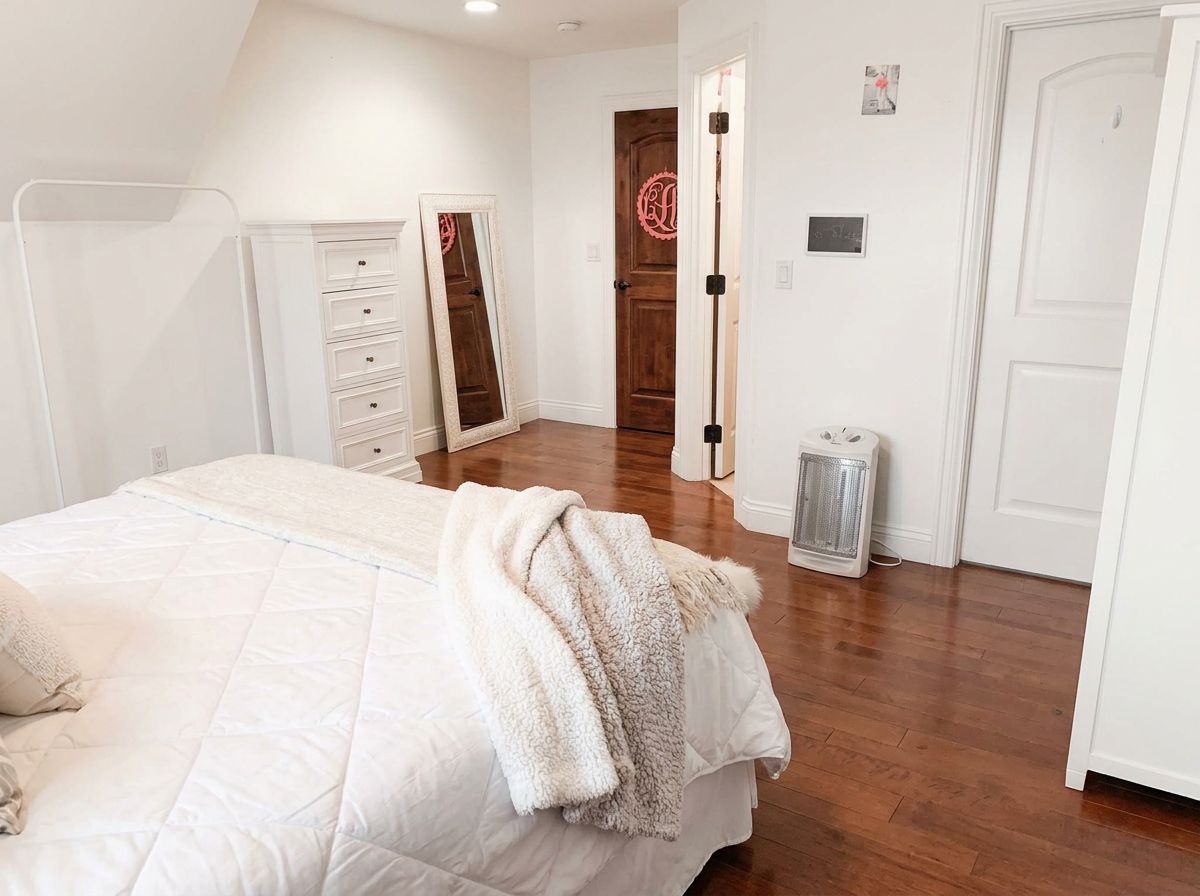
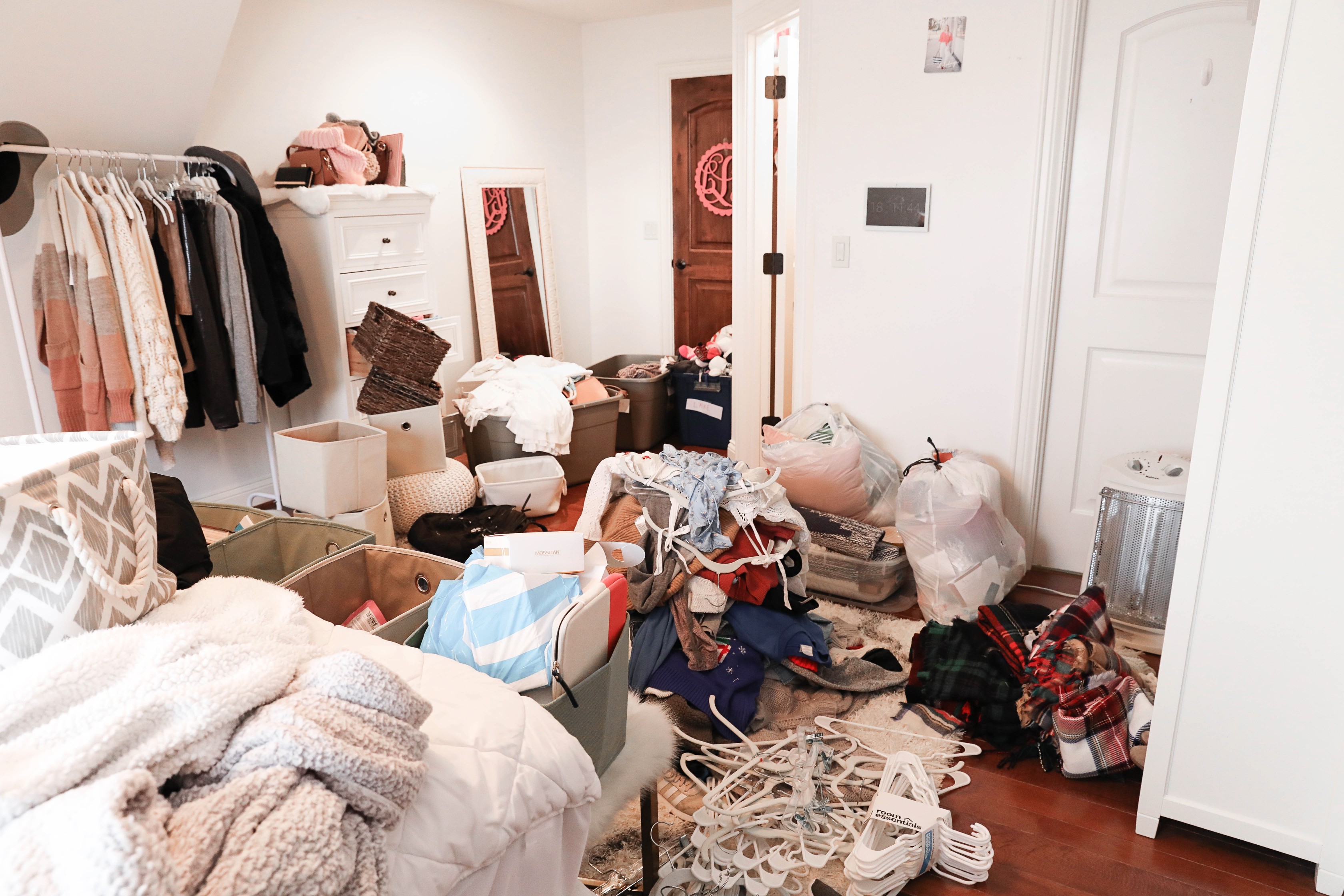
Declutter
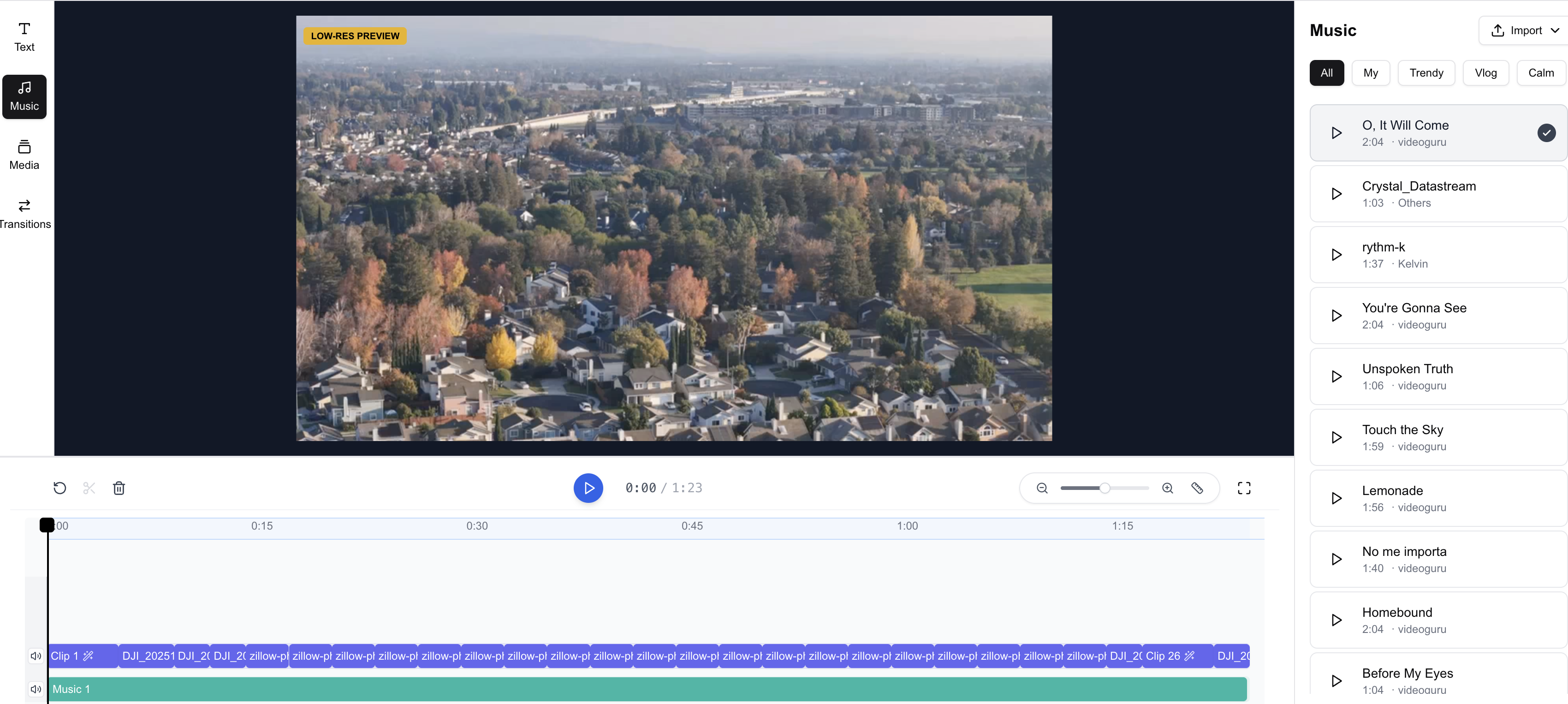
Refine a video with timeline edits, speed ramps, color adjustments, transitions, text, music, and viral effects.
Best starting point
If you are new to VideoGuru, start with the photo-to-video workflow. It is the shortest path from listing media to a finished video.
You can still make deeper edits later. The editor is there when you need it, but the first workflow is designed to get a usable result quickly.
- Use Create a Real Estate Video in 10 Minutes for your first listing video.
- Use Photo Editing and Virtual Staging when you need better still images.
- Use Quick Edits when you just want to swap a photo, reorder clips, change a camera motion, or add a viral effect without opening the full editor.
- Use Studio when you want more control over timing, text, color, or audio.
- Use Download and Share Your Video when you are ready to save the final MP4 or post it on your phone.
Last verified: 2026-07-07